![[background image] image of bakery's history wall](https://cdn.prod.website-files.com/6943f5dc59d67c53effb3386/69b4241410bfb04b8cbf4d53_angle.jpg)
Label food in one tap.
Print date labels for food with one button. No app, no fuss—just press and stick. Perfect for kitchens, families, and cafés.
Print date labels for food with one button. No app, no fuss—just press and stick. Perfect for kitchens, families, and cafés.
Print date and time labels instantly for leftovers, meal prep, and more.

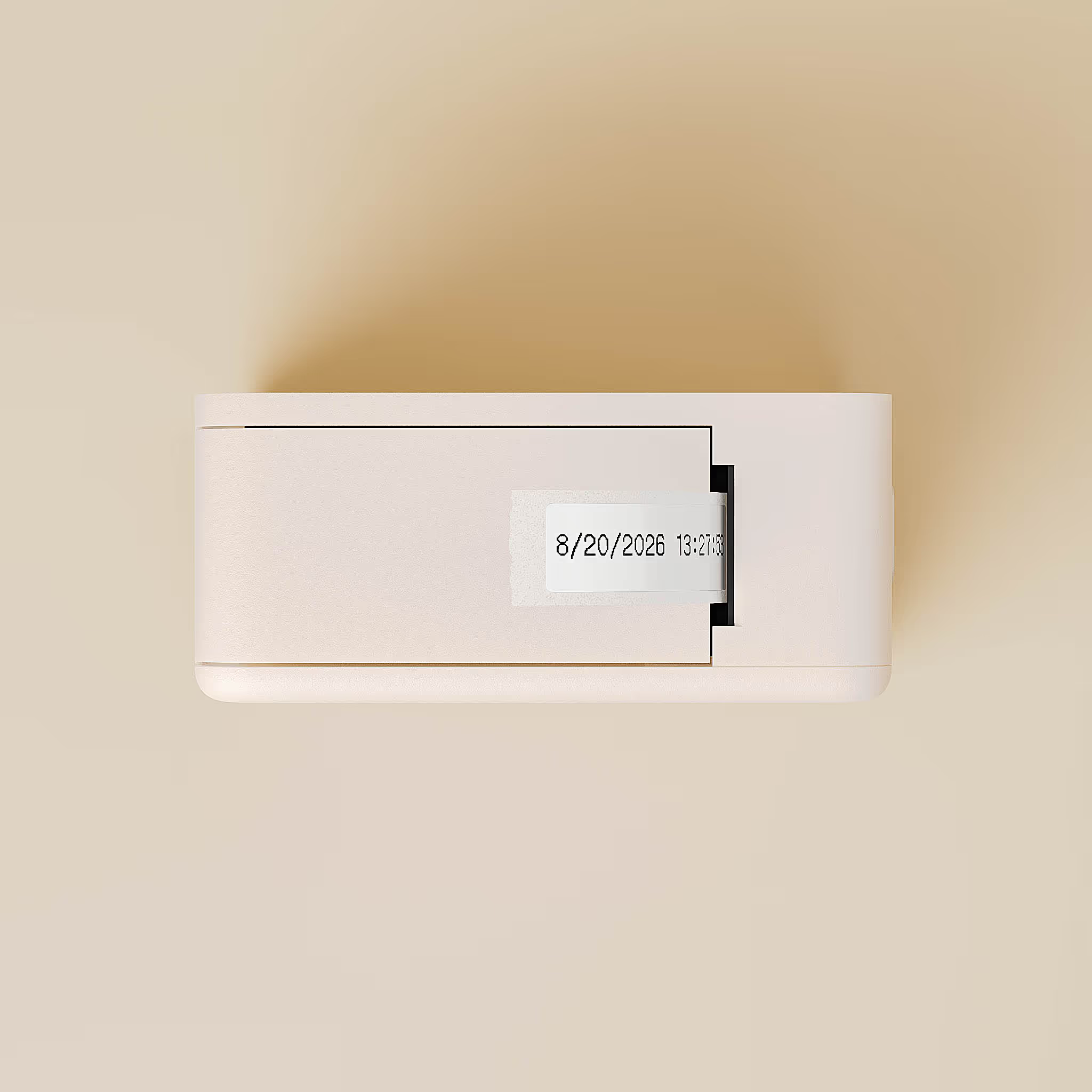
Press once to print a clear, adhesive label with the current date and time. No setup or extra steps needed.
![[background image] image of cozy bakery interior (for a bakery)](https://cdn.prod.website-files.com/6943f5dc59d67c53effb3386/696a56cb83e6bdc89ca41f0a_d9d0bcbeaa4d77a5044426f5b17b6af6_lifestyle2.avif)
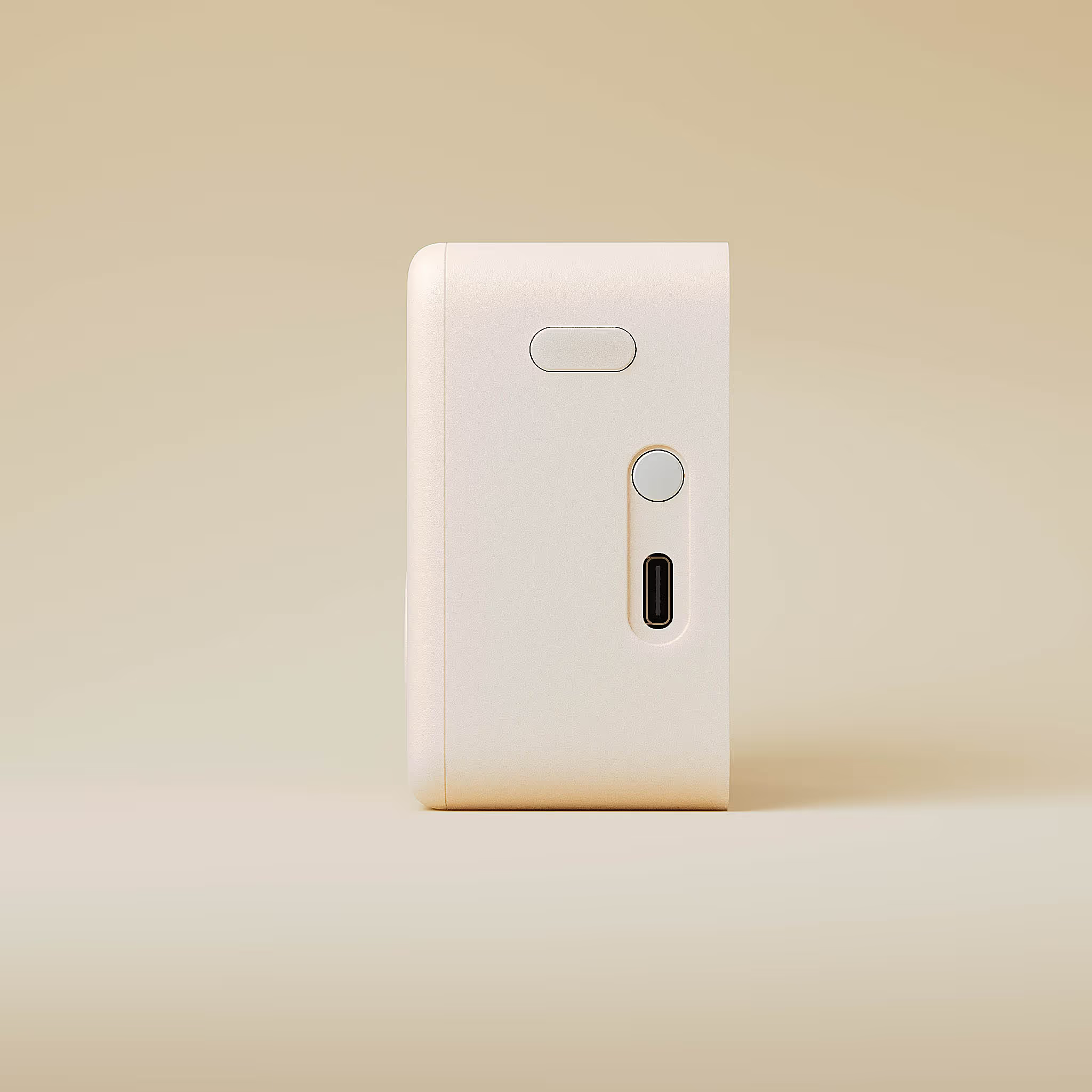
Small, rechargeable, and easy to use. Perfect for home kitchens, meal prep, or cafés.

Built-in clock ensures every label is correct. The display shows the current date and time for easy reference.
FridgePrinter is live on Kickstarter! Our email subscribers have access to a $49 Super Early Bird reward, limited to the first 150 backers. Check your launch email for the link and back us while spots are available.
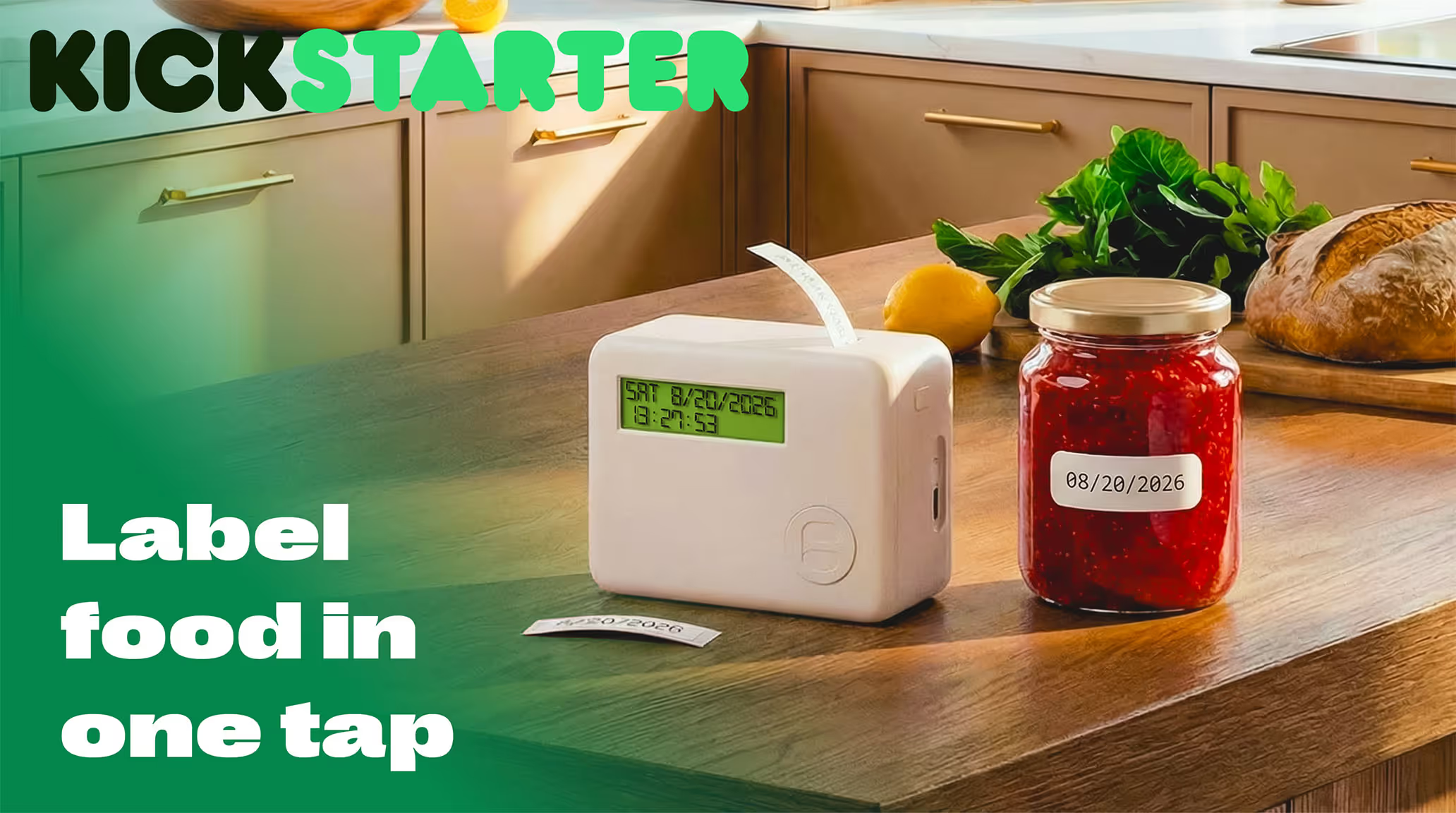
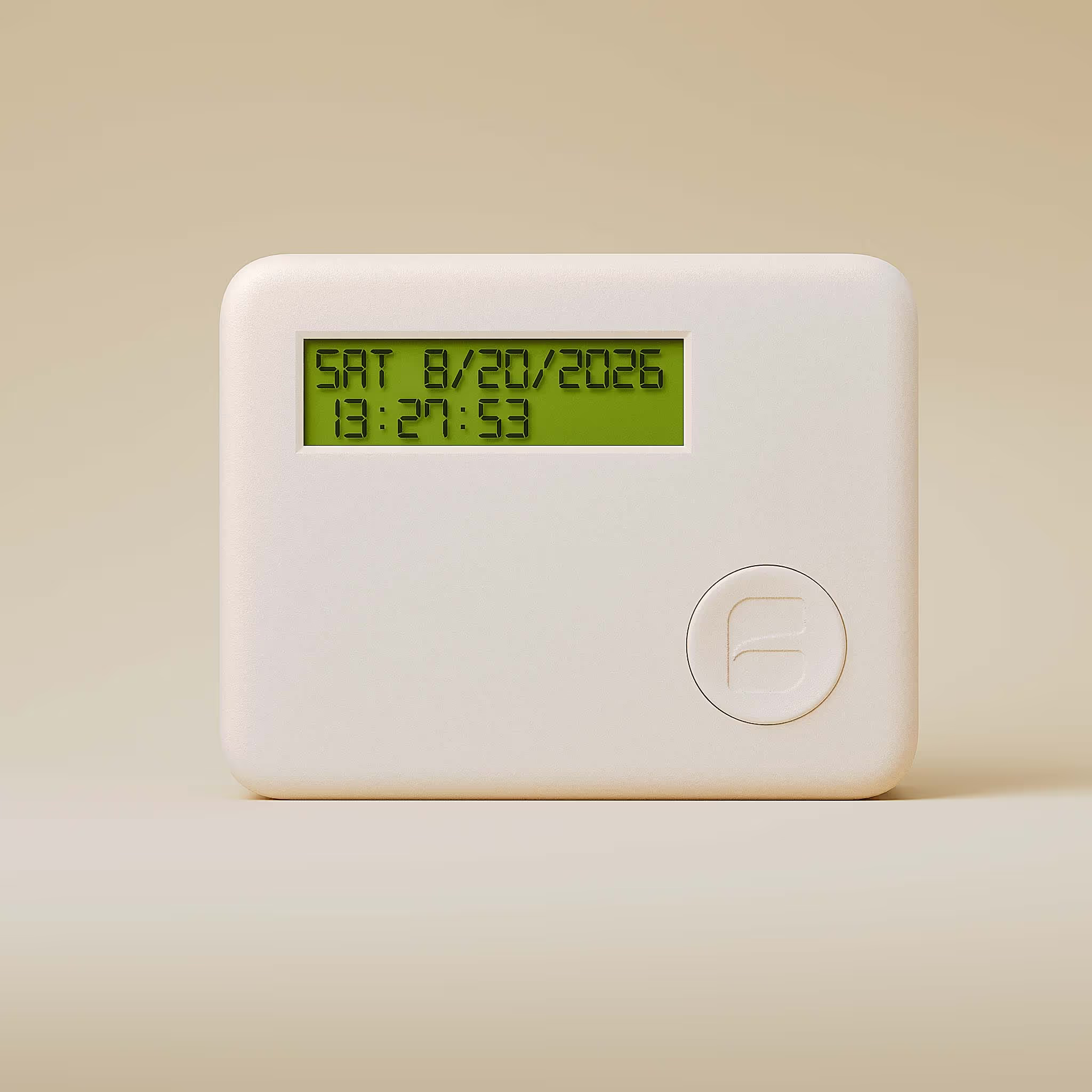
FridgePrinter is a small kitchen gadget that instantly prints date and time labels on stickers. Stick them on leftovers, containers, or ingredients to easily keep track of freshness and reduce food waste.
How It Works
- Press the button
- Stick the label
- Know what’s fresh
FridgePrinter is rechargeable, so you don’t need disposable batteries. It uses small thermal sticker rolls to print labels, and replacement rolls are available anytime.
Discover how a one-button label printer streamlines kitchen organization. See practical examples for home, cafés, and meal prep—making it easy to track freshness, reduce waste, and simplify daily routines. Explore how clear, dated labels fit seamlessly into any kitchen workflow.


